
If you are deciding whether to pay for a PLC coffee roaster instead of a manual one, you have probably been told it gives you "consistency". True, but not useful. What you need to know is exactly what the controller takes off your hands, what it leaves with you, and in which situations that trade is worth the money. Here it is, without the sales language.
What a PLC Actually Is
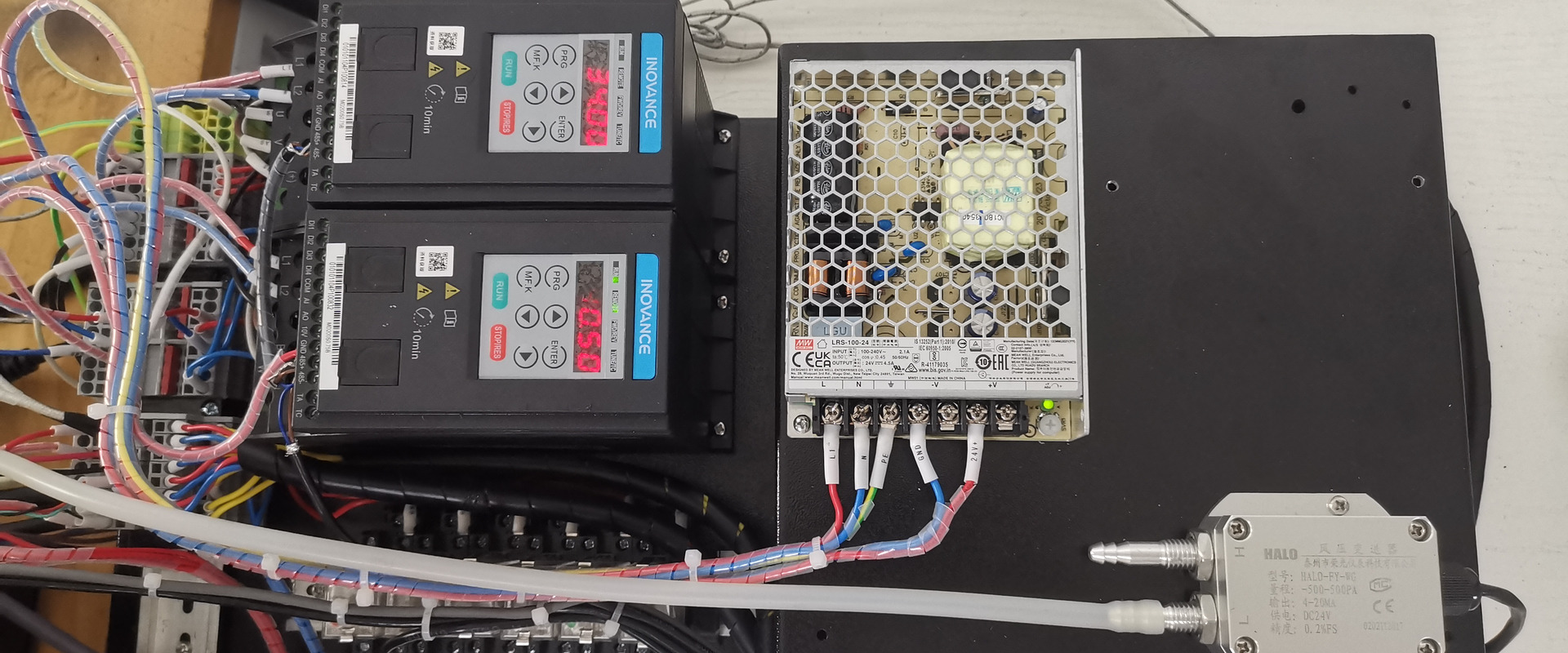
A PLC is a programmable controller — the small industrial computer behind the touch screen. It reads the bean and drum temperature probes several times a second and drives the burner, the airflow and the drum according to the profile you saved — either by repeating your steps at the same points or by steering the bean temperature back onto the curve, a difference explained below. On a manual machine, that loop runs through your eyes and your hand on the gas valve. On a PLC machine, it runs through the controller, and you supervise.
That is the whole difference. Everything else follows from who is closing the loop.
What "Runs a Saved Profile" Should Mean Before You Pay
"Runs a saved profile" hides a distinction that decides whether the consistency is real, and it is worth understanding before you compare any two controllers.
Step replay. The controller remembers what you did — gas to 70% at 150 °C, airflow up at first crack — and does it again at the same trigger points. Simple and robust, and it reproduces your actions. It does not by itself reproduce your result if anything else has changed: a cooler morning, a drum that is hotter after five back-to-back batches, a slightly larger charge.
Curve following. The controller compares the live bean temperature with the saved curve and moves the burner to close the gap — a feedback loop, the same idea as the PID that holds your espresso boiler. It reproduces the curve, and it is only as good as the probe it follows, which is why the probe warning above matters more on these machines, not less.
Whichever a controller does, two habits make the replay land: keep the batch size and the warm-up routine the same as the day the profile was proven, and watch the live log against the saved curve on the first batch of every session — the SD Pro and YS controllers show both on the screen, and you take over by hand if they drift. Before you order from anyone, ask for a screen recording of an automatic roast laid over its saved curve; it answers the question better than any spec line.
Three Things It Does for You
1. It repeats a profile you were happy with. You roast a coffee well on Tuesday, save the curve, and the machine runs it again on Friday — same charge temperature, same gas steps, same airflow changes at the same points. Run it on a warm drum with the same charge and the log sits on top of Tuesday's curve. For a wholesale customer who expects the same bag every week, that repeatability is what they are paying you for.
2. It lets a second person roast your coffee. A manual machine roasts as well as the person at the valve. A PLC machine with a saved profile lets a trained assistant, a second shift or a manager cover for you without the coffee changing. For a cafe owner who cannot be at the drum every day, this is usually the real reason to buy one.
3. It carries your work to a bigger drum. When you move from a 6 kg to a 12 kg machine, a logged profile is a starting point rather than a memory. Curves do not copy across drums unchanged — batch size and drum mass change the physics — but a recorded profile on a PLC machine gets you to the new machine's version in a handful of batches instead of weeks. Our guide to scaling a roast profile walks through it.
Three Things It Cannot Do
It cannot fix a bad probe. The controller is only as good as the temperature it reads. A probe in the wrong place, or one reading air instead of beans because the batch is too small, gives the controller a clean-looking lie. Load the drum at 60–80% of its rating and keep the probe clean.
It cannot know the coffee changed. A new crop, a different moisture content, a denser bean — the saved profile does not know. You still cup every batch and adjust. The PLC removes the drift from your hand; it does not remove the need for your palate.
It cannot teach you to roast. A manual drum shows you what a stall, a crash or a too-fast first crack feels like, because you caused it. If you are learning, learn on manual control first — which is why our PLC machines keep a manual mode.
Why Our PLC Machines Keep a Manual Mode
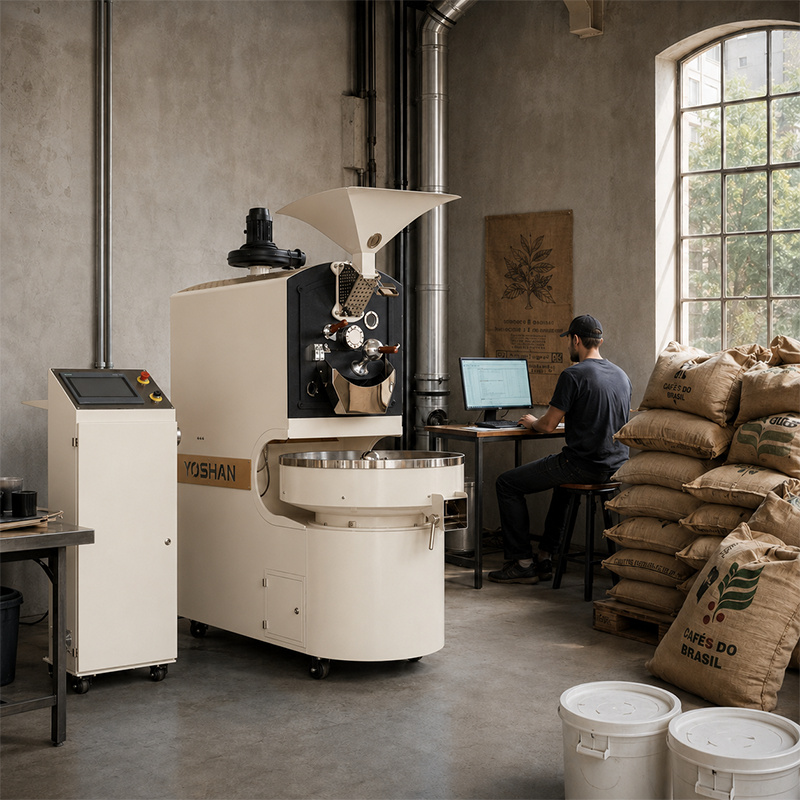
Every SD Pro and YS machine runs in two modes. In manual, you drive the gas, the airflow and the drum yourself while the controller logs everything. In automatic, the controller runs a saved profile and you watch. Most owners use both: manual to develop a profile on a new coffee, automatic to run it in production.
If a machine you are looking at only offers automatic, ask how you develop a profile on it. If it only offers manual with logging, it is a data logger, not a PLC.
Where Siemens Fits
On our YS series the controller is a Siemens PLC. On the SD Pro machines the PLC touch screen runs our roast-curve system, and from the SD-60 Pro upward Siemens automation is standard. The practical reason to care about the make of controller is not prestige: it is that spares, documentation and local programmers exist for it in your country. A controller nobody in your city has seen is a problem waiting for year three.
Both series can also be specified with an Artisan interface at order — it is a priced option on the SD and YS builds, and the Artisan guide shows what the connection logs — so your data need not be locked inside the machine.
When It Is Worth the Money
| Your situation | Manual is enough | PLC pays for itself |
|---|---|---|
| You are the only roaster and you are still learning | ✓ | — |
| You have wholesale customers who expect consistency | — | ✓ |
| Someone other than you will run the machine | — | ✓ |
| You plan to move up a drum size within two years | — | ✓ |
| Very small volumes, one coffee, one profile | ✓ | — |
| You want every batch logged without a laptop | — | ✓ |
If two boxes land in the right-hand column, buy the PLC. If they all land on the left, buy the manual drum and put the difference into green coffee — and the difference is real: at 3 kg, the manual SD-3 is USD 4,599 against USD 8,889 for the SD-3 Pro with PLC, ex-works (full list in the price guide). The DY series is our manual line; the fully automatic roasters page lists the PLC models by size.
Frequently Asked Questions
Can I edit a saved profile on the screen, or do I have to re-roast it?
Edit it: the saved gas, airflow and drum-speed settings are fields on the touch screen, so you can trim the mid-roast gas or move a change a few degrees without roasting a new reference. Save it as a new version rather than overwriting the one that worked — the commonest support call on PLC machines is "I changed something and cannot get back".
How many profiles can the controller store?
More than you will use — dozens on the SD Pro system and the YS Siemens controller — and the practical limit is naming discipline, not memory. Name each profile with the coffee, the batch size and the date it was proven, because a profile saved at 5 kg does not run correctly at 3 kg, and a profile from last season's crop is a starting point, not an answer.
Does the PLC need internet or a computer?
No. The controller runs on the machine, stores profiles locally and logs to its own memory; a laptop is optional, for exporting curves or for Artisan. That matters on an unstable grid or a site without connectivity, and it means a network outage never stops a roast. Keep a backup of your saved profiles on a USB stick after every change.
What if I sell the machine — do the profiles go with it?
They stay on the controller unless you delete them, so export and clear them before a sale if they are your intellectual property, or hand them over if they are part of the deal. For the buyer of a used PLC machine the reverse applies: ask for the profiles, because a machine sold with proven curves and its log is worth more than one wiped clean.
Can I run two different coffees back to back on automatic?
Yes — select the second profile as the first batch drops, and the controller runs the next batch on its own settings. What you manage is the drum's heat between the two: a light-roast profile after a dark one starts from a hotter drum than it was proven on, so the first batch of the new coffee may run fast. Log it and adjust the between-batch wait rather than the profile.
Final Thoughts
A PLC coffee roaster takes the drift out of your hand, lets someone else roast your coffee, and carries your profiles to the next drum. It does not replace your palate or teach you to roast, which is why ours keep a manual mode. Tell us who will run the machine and how your volume is growing, and we will tell you whether it is worth it. Talk to our engineers.
Get a Quote → WhatsApp +86 184 0771 4607Last updated: September 17, 2026
Pingback: 20 kg Coffee Roaster: What Changes When You Step Up From 12 kg | Yoshan
Pingback: Connect Your Coffee Roaster to Artisan: USB, Bluetooth, Fixes | Yoshan
Pingback: Roast Profile Scaling: What Transfers Sample to Production | Yoshan
Pingback: Manual vs Semi-Automatic vs Fully Automatic Coffee Roaster
Pingback: Giesen Alternative: What You Are Paying For, and How to Check | Yoshan
Pingback: 1 kg Coffee Roaster: Three Machines, One Question | Yoshan
Pingback: Coffee Roasting Plant Setup: Six Things to Settle in Order | Yoshan
Pingback: Tostadora de Café Profesional: Capacidad, Voltaje y Gas | Yoshan