
Every roasting guide tells you to keep a coffee roasting log sheet, and the templates on offer are built for a roaster learning a coffee: charge temperature, turning point, first crack, tasting notes. A production roastery needs a second document those templates do not provide — a batch record that says which green went into which bag, who roasted it, whether it passed and where it went. This guide sets out that record: twelve fields, a numbering rule, and the release decision.
Two documents, not one
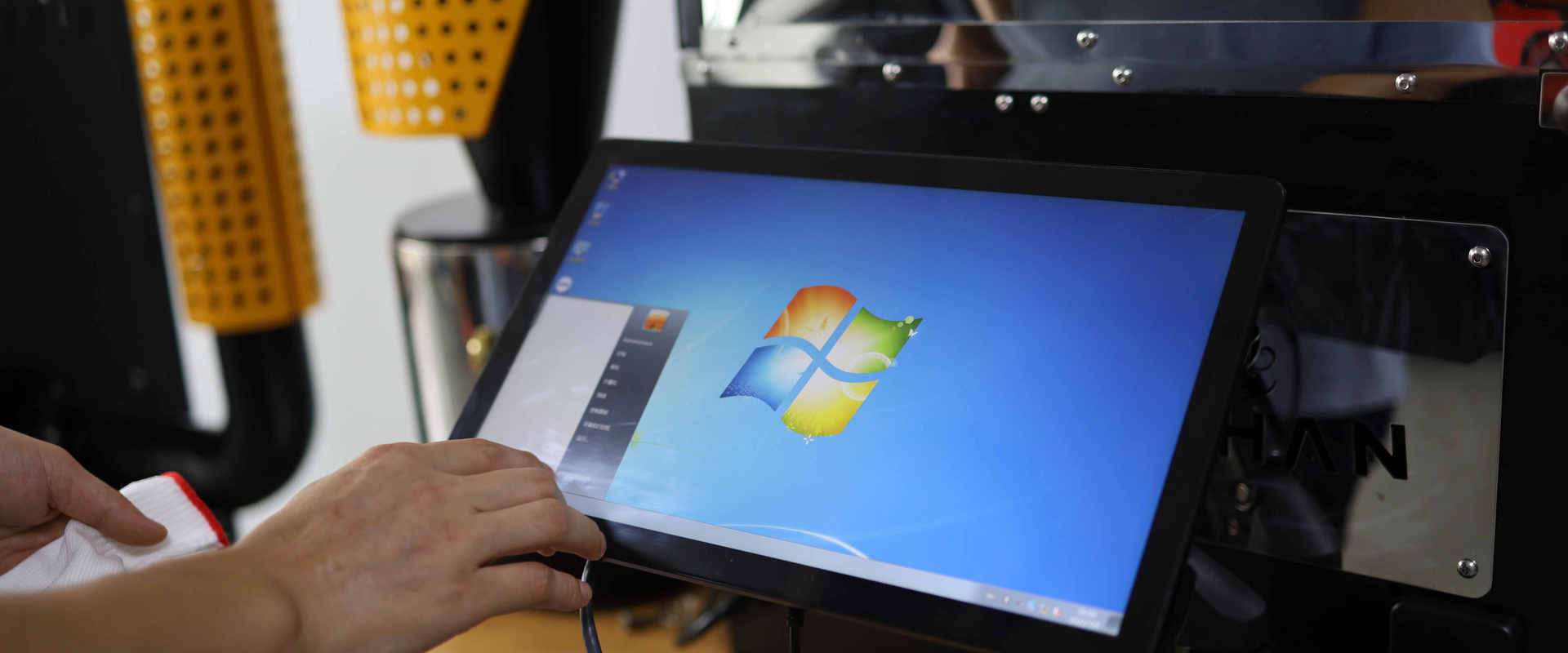
The curve log is automatic on any machine with software or a controller: bean and air temperature every few seconds, rate of rise, events. Artisan on our DY series stores it per batch; the PLC on the SD Pro series and the Siemens screen on the YS series hold it against the batch. It answers what happened in the drum.
The batch record is filled by a person, takes a minute, and answers what went in, what came out, and is it released. It links the curve to a green lot and to the bags on the shelf. Regulators, wholesale customers and your own complaint investigations use this one.
Keep them linked by a batch number, and keep the batch record short — records that take five minutes are the ones that stop being filled in.
The twelve fields
| # | Field | Why it is there |
|---|---|---|
| 1 | Batch number | The key that links curve, green lot, bags and complaints |
| 2 | Date, time, operator | Who and when; drift by operator or time of day shows here |
| 3 | Machine and profile name | Which roaster, which stored curve or reference |
| 4 | Green lot and bag number | Traceability back to the supplier lot; intake numbers live on the green card |
| 5 | Green weight in | Batch size, checked against the machine's range |
| 6 | Charge temperature and time since last drop | Between-batch discipline made visible |
| 7 | Milestones: yellowing, first crack, drop — time and temperature | The three points that describe the roast in one line |
| 8 | Adjustments made | Burner and damper changes, and why — "gas −10% at 6:30, RoR high" |
| 9 | Roasted weight out and loss % | The first release gate and the yield figure for costing |
| 10 | Colour reading (and delta, if measured) | The second release gate |
| 11 | Release decision | Released / hold for cupping / re-roast / reject, with initials |
| 12 | Next adjustment | What to change on the next batch of this profile — the field that closes the loop |
That is one line on a printed sheet or one row in a spreadsheet. The curve, if anyone needs it, is a click away under the same batch number.
The batch number
A number that a person can read without a lookup table: date, machine, sequence. 260917-B-04 is the fourth batch on machine B on 17 September 2026. Print it on the batch card, enter it as the batch name in the software, and write it on the bin or bag the batch goes into. When a café says the delivery of the fifteenth tasted wrong, the number on their bag takes you to the card, the card to the curve and the green lot, and the green lot to the intake numbers and the supplier — the chain that coffee roastery permits and inspections describes the food authority asking for.
Fields 9 and 10 are the release decision
Two numbers on the card decide whether the batch ships, and both take seconds.
Loss percentage = (green in − roasted out) ÷ green in. Each profile has a normal band — a medium roast loses somewhere around 13–16%, darker roasts more — and a batch outside its band reached its colour by the wrong route: stalled and baked, or raced. The arithmetic and the bands are in coffee roasting weight loss and yield.
Colour from a meter, ground, on the QC grinder, compared to the SKU's reference within a tolerance of about ±1.5–2 points. The procedure is in roast colour measurement for production QC.
| Loss | Colour | Decision |
|---|---|---|
| In band | In tolerance | Release |
| Out of band | In tolerance | Hold; cup |
| In band | Out of tolerance | Hold; check the curve; cup |
| Out of band | Out of tolerance | Do not release; fix the cause before the next batch |
Weekly cupping of released batches, logged against their numbers, is the third check; it catches what the two numbers miss.
Field 12 is the one that improves the roastery
"Next adjustment" is the field most templates leave out and the one that turns a record into a method. Three batches of the same coffee at slightly different settings, each with its outcome and the next change written down, teach more than thirty batches from memory. It is also how a profile gets handed from one operator to the next without a conversation — the handover problem in training a coffee roaster operator.
Paper, spreadsheet or software
Three ways to keep the record, and the right one depends on batches per day.
- Paper card at the machine, filed weekly. Fastest to fill, hardest to search. Fine to about ten batches a day.
- Spreadsheet, one row per batch, filled on a tablet at the machine. Searchable, sums loss and yield by SKU, links to the green intake sheet. The workhorse for most wholesale roasteries.
- Roasting software with batch management — the class of tool that logs the curve, deducts green stock and holds the card in one place. Worth it when batches per day and SKUs multiply; the curve side of it is in connecting a coffee roaster to Artisan.
Whatever the medium, the twelve fields are the same, and the rule is the same: if it takes more than a minute, people stop.
What the record is for, in the end
Four uses justify the minute per batch. Consistency — drift shows as a trend across cards before it shows in a complaint. Costing — loss percentage per SKU is the number that sets the price per roasted kilo, the method in how to price wholesale roasted coffee. Traceability — bag to green lot in one step. Diagnosis — when the machine misbehaves, the cards from the days before are the mechanic's first question; on our machines a video diagnosis starts with the serial number and the batch log.
FAQ
What should I record when roasting coffee?
For each batch: a batch number; date, time and operator; machine and profile; green lot and bag; weight in; charge temperature and interval since the last drop; yellowing, first crack and drop times and temperatures; adjustments made; weight out and loss percentage; colour reading; the release decision; and the next adjustment. One line per batch.
How do you number roast batches?
Date, machine, sequence — for example 260917-B-04 — so the number reads without a lookup. Use it as the batch name in the roasting software, on the card, and on the bin or bag, so a customer's bag leads to the curve and the green lot in one step.
What is a good roast loss percentage?
Depends on the profile: medium roasts commonly lose around 13–16%, darker roasts more. The useful figure is each SKU's own band; a batch outside it reached its colour by the wrong route and should be held for cupping.
Is a printable roast log template enough for a roastery?
A roasting log template captures the curve and tasting notes; a production roastery also needs the batch fields — lot, weights, loss, colour, release, next adjustment. Add those to the template or move to a spreadsheet with one row per batch.
Do I need roasting software to keep batch records?
No. A paper card or a spreadsheet holds the twelve fields; software adds automatic curves, green-stock deduction and search, and earns its place when batches and SKUs multiply. Machines with PLC or Siemens control already store the curve against the batch.
Why does the batch record matter for traceability?
Because the food authority, a wholesale customer or a complaint will ask which green lot a bag came from and who roasted it when. A batch number on the bag, the card and the curve answers in one step.
Final Thoughts
Keep the curve automatic and the batch card short: twelve fields, a readable batch number, loss and colour as the release gates, and a "next adjustment" line that carries the learning forward. Every roaster we build stores the curve — Artisan on the DY series, PLC on the SD Pro series — so the card only has to say what went in and whether it passed.
Get a quote or message Leon on WhatsApp at +86 184 0771 4607.
Get a Quote → WhatsApp +86 184 0771 4607Last updated: September 23, 2026